Welcome to LMX
What LMX is, how a show is put together, and where to start.
LMX is a lighting console. You patch a rig, build looks in a programmer, store those looks as cues, presets and palettes, and play them back live over Art-Net, sACN or a USB DMX interface - with a realtime 3D visualiser showing you the result whether or not the rig is plugged in.
Every single thing the console does has a typed command as well as a control on screen. The two are the same mechanism: click a button and the command it ran is echoed into the command history, so the desk teaches you its own language as you use it.
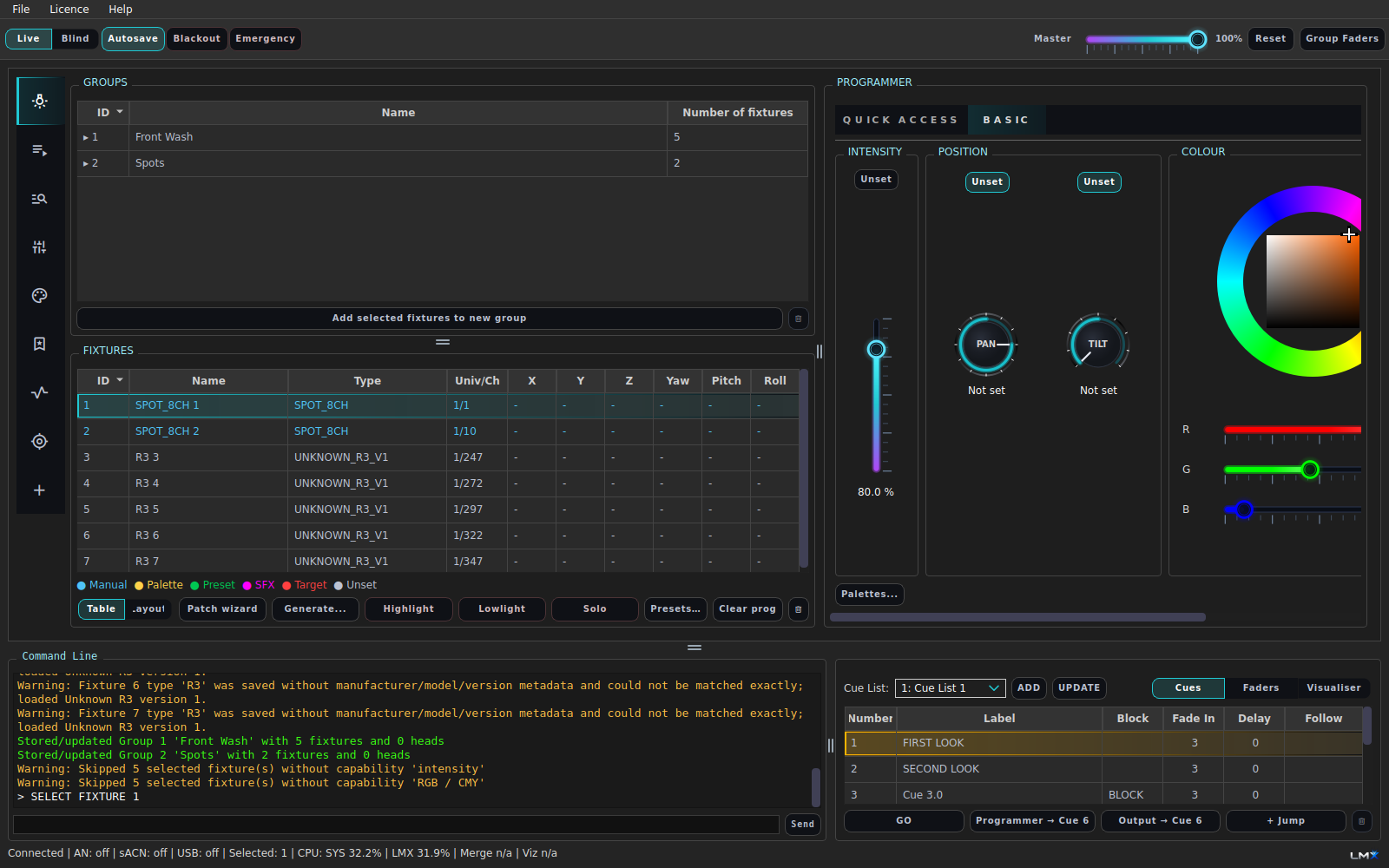
How a show is put together
The pieces stack up in roughly this order. Each one is a topic in this help.
| Step | You do this | Read |
|---|---|---|
| 1 | Tell LMX what fixtures you have and where they are addressed | Fixtures and patching |
| 2 | Save the selections you keep re-typing | Groups |
| 3 | Pick fixtures and set attributes - the look lives in the programmer | The programmer |
| 4 | Save the values worth reusing | Palettes · Presets |
| 5 | Add movement and colour change | Effects (SFX) |
| 6 | Freeze the look as something you can fire | Cues |
| 7 | Run the show | Cue lists and GO · Faders and pages |
| 8 | Get it out to the rig | DMX output |
Nothing here is compulsory. A busking rig is a patch, a handful of groups and a page of faders; a theatre show is the whole list.
The two things that surprise people first
The programmer sits on top of everything. Whatever you touch in the
programmer beats the cue that is playing, until you clear it. If the stage is
not doing what your cue says, the programmer is the first place to look -
press Clear prog (CLEAR PROGRAMMER). The full stacking order is in
Output and master controls.
Values track forwards. By default a value set in cue 3 is still on in cue 4 unless cue 4 says otherwise. That is a feature - it is what lets you change one lamp in a cue without restating the other forty - but it catches everyone once. See Tracking.
Where to go next
- Never used LMX before → Your first show
- Want the tour of the screen → The main window
- Know consoles, want the syntax → The command line and the Command reference
- Looking for a specific button → Control reference
- Something is wrong → Troubleshooting
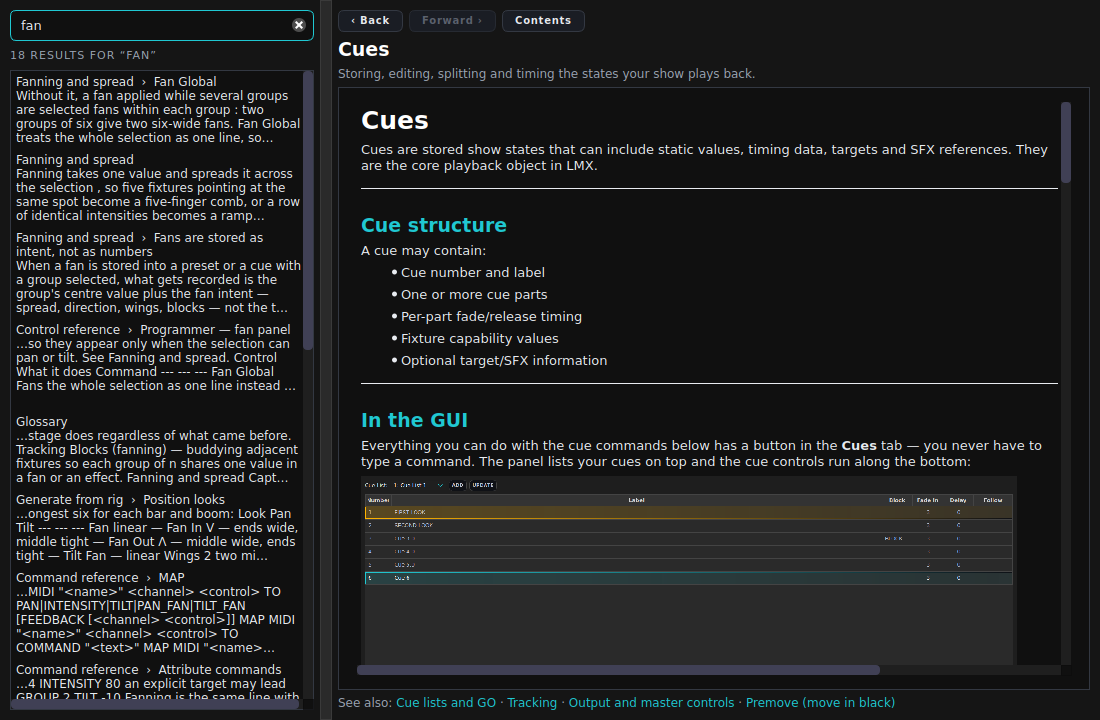
Searching this help. The box at the top left searches every page, section by section, and shows you which section matched. Terms an operator would actually use are indexed too, so “move in black”, “submaster” and “colour picker” all find the right page even though those are not the names LMX uses.